
Voice Reverser
Record your voice and hear it played backwards. Reverse any audio file, take the reverse singing challenge, and download the result. Free, instant, and private.
Your audio stays on your device. Nothing is uploaded.
Reverse singing challenge
Sing a song backwards and see if it comes out right. Record a line, learn how it sounds reversed, sing that back, and reverse your attempt. Can you make it sound like the original?
-
1
Record the original
Sing a short line of a song you know. Keep it to 3–5 seconds.
0:00 -
2
Learn it backwards
Listen to your line reversed. Slow it down and replay it until you can copy the sounds.
-
3
Sing the reversed version
Now record yourself imitating the backwards audio as closely as you can.
0:00 -
4
The reveal
Your attempt gets reversed again. If you nailed it, you'll hear the original song.
Tip: short phrases with clear vowels work best. Try "Happy birthday to you" or the chorus of your favourite song.
Reverse Audio Recorder
Record & play sound backwards
Take the voice reverser with you
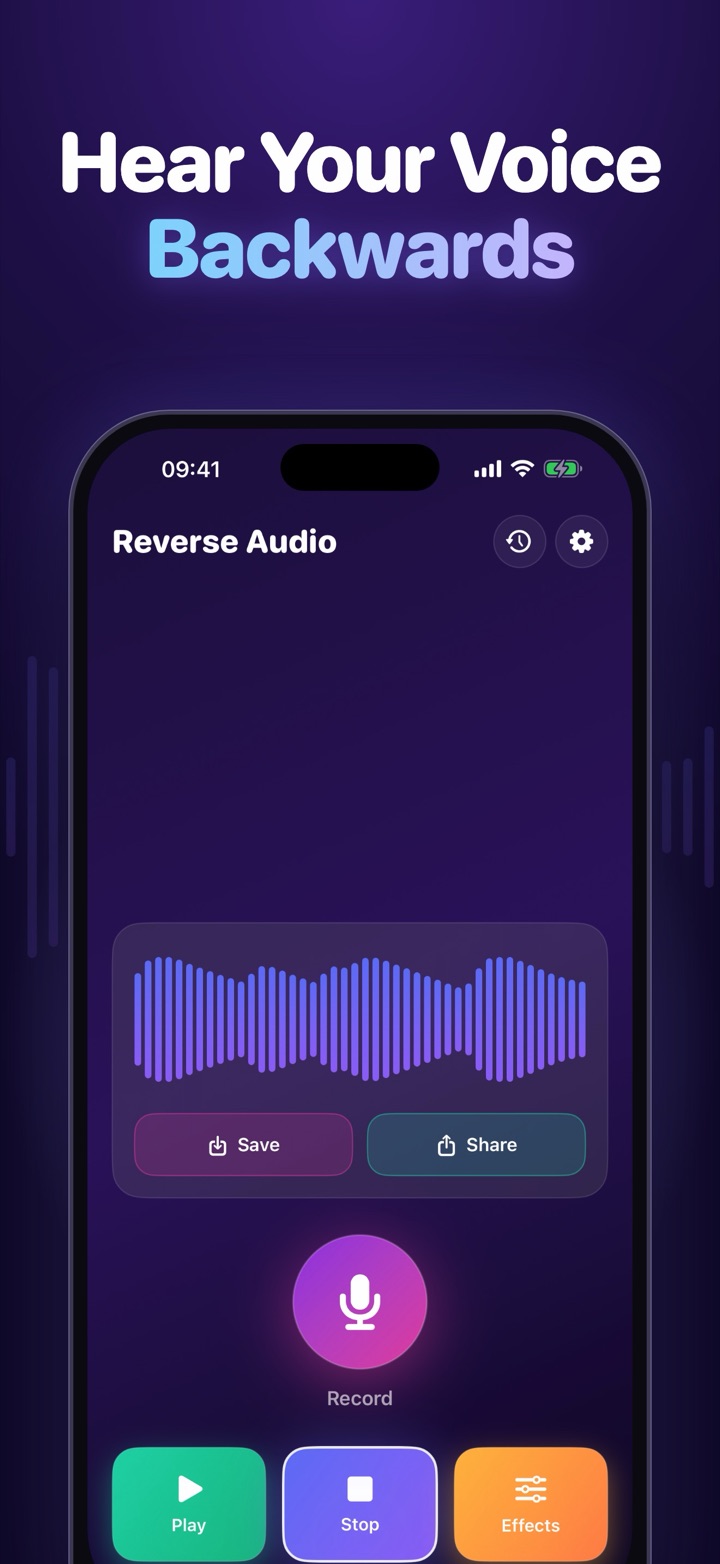
The iPhone app does everything this page does, and keeps your recordings. Reverse songs at a party, make secret backwards messages and challenge your friends.
- Record your voice and play it backwards instantly
- Reverse text and record yourself reading it
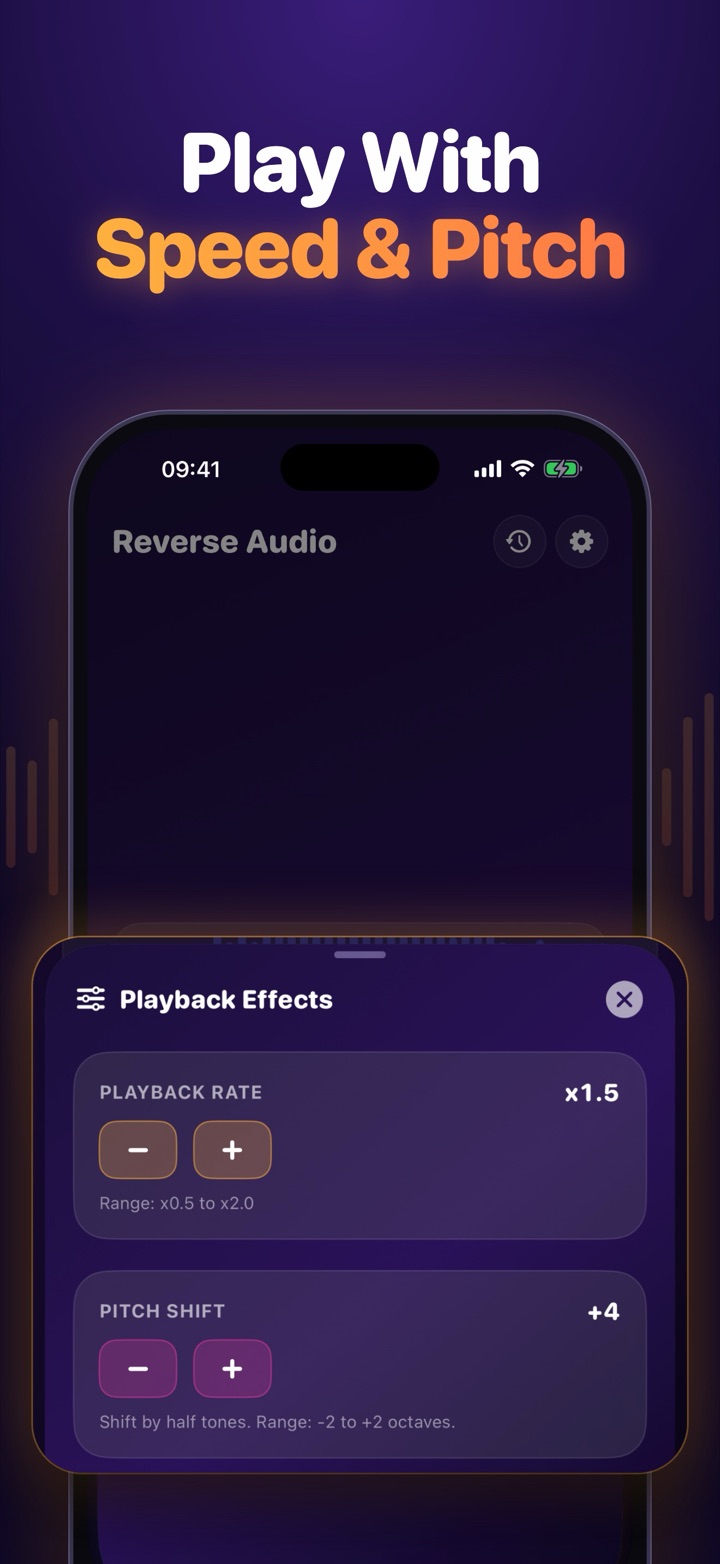
- Change playback speed and shift the pitch
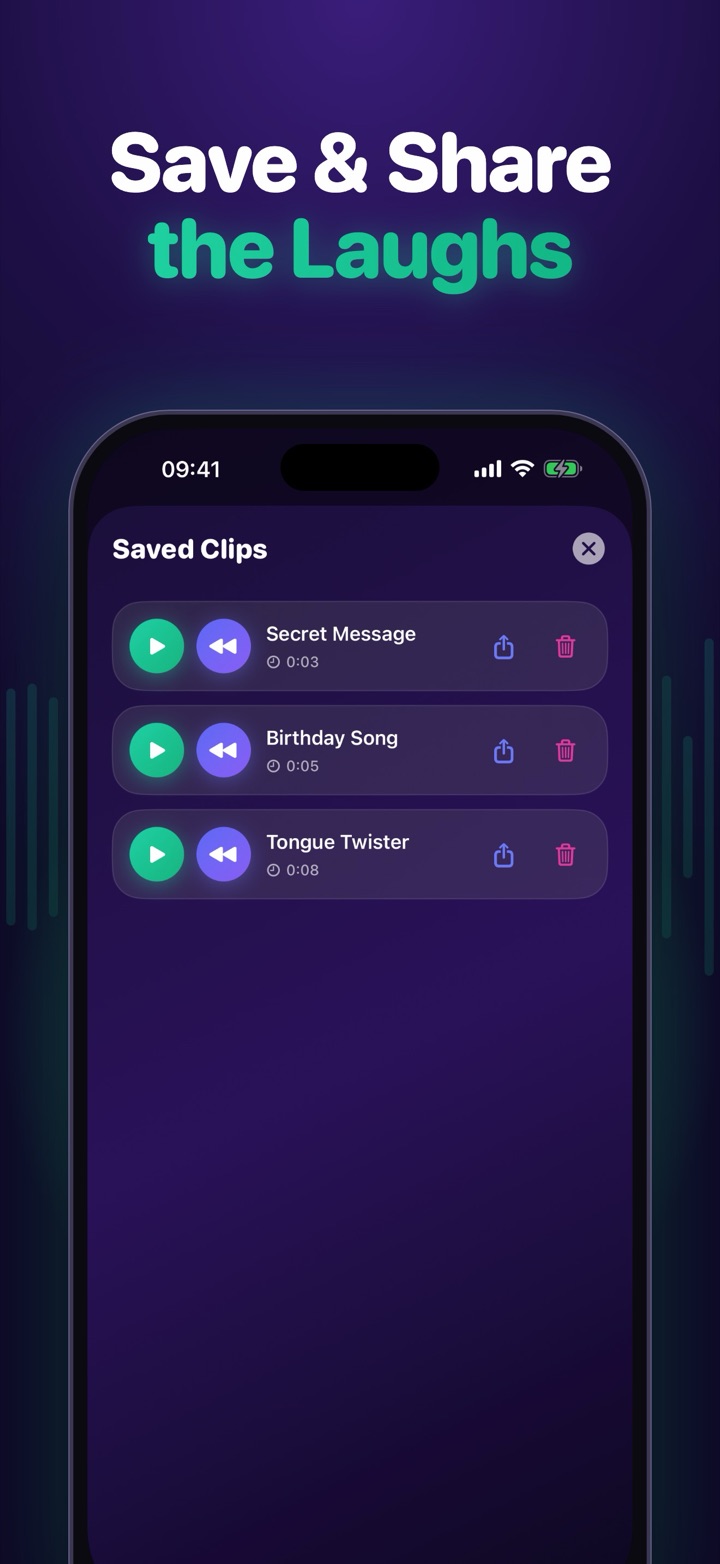
- Save your recordings and share them with friends
- Works on iPhone, iPad and Mac

Reverse text
Flip any text backwards, then read it out loud and reverse your recording. You'll hear something surprisingly close to the original.
How to reverse your voice
1. Record or upload
Tap Record and allow microphone access, or upload an MP3, WAV, M4A or video file to reverse audio online.
2. Play it backwards
Hit Play reversed to hear your voice backwards. Use the speed slider to make it deeper and slower or higher and faster.
3. Save and share
Download the reversed audio as a WAV file, or get the iPhone app to keep all your recordings in one place.
What does a reversed voice sound like?
Speech played backwards sounds like a strange foreign language. Consonants that normally start with a sharp attack, like "t" or "k", fade in instead, and vowels glide the wrong way. That's why reverse speech is so fun to listen to, and so hard to imitate.
Why is reverse singing so hard?
To sing a song backwards you have to reproduce sounds your mouth never normally makes, in the right order and at the right pitch. The reverse audio challenge became popular on TikTok because even familiar songs come out hilariously wrong on the first try.
Frequently asked questions
How do I reverse my voice?
Press Record, allow microphone access, say or sing something and press Stop. Then press Play reversed to hear your voice backwards. You can change the speed and pitch and download the reversed audio as a WAV file.
What is the reverse singing challenge?
Record a line of a song, listen to it played backwards, then record yourself singing that backwards version. When your attempt is reversed again it should sound like the original song. The closer it sounds, the better you did.
Can I reverse an audio file online?
Yes. Choose Upload audio and pick an MP3, WAV, M4A, OGG or even a video file. It is reversed instantly in your browser and you can download the result.
Is my recording uploaded anywhere?
No. Recording, reversing and downloading all happen locally in your browser. Your audio never leaves your device.
Is there a voice reverser app for iPhone?
Yes. Reverse Audio Recorder for iPhone and iPad lets you record and play sound backwards, reverse text, change speed and pitch, and save and share your recordings.
The microphone isn't working. What can I do?
Make sure you allowed microphone access when your browser asked. If you blocked it, click the lock or site-settings icon in the address bar and allow the microphone, then reload the page. Recording needs a secure (https) connection.